Modernizing Hybrid Work for Speed and Collaboration
Background
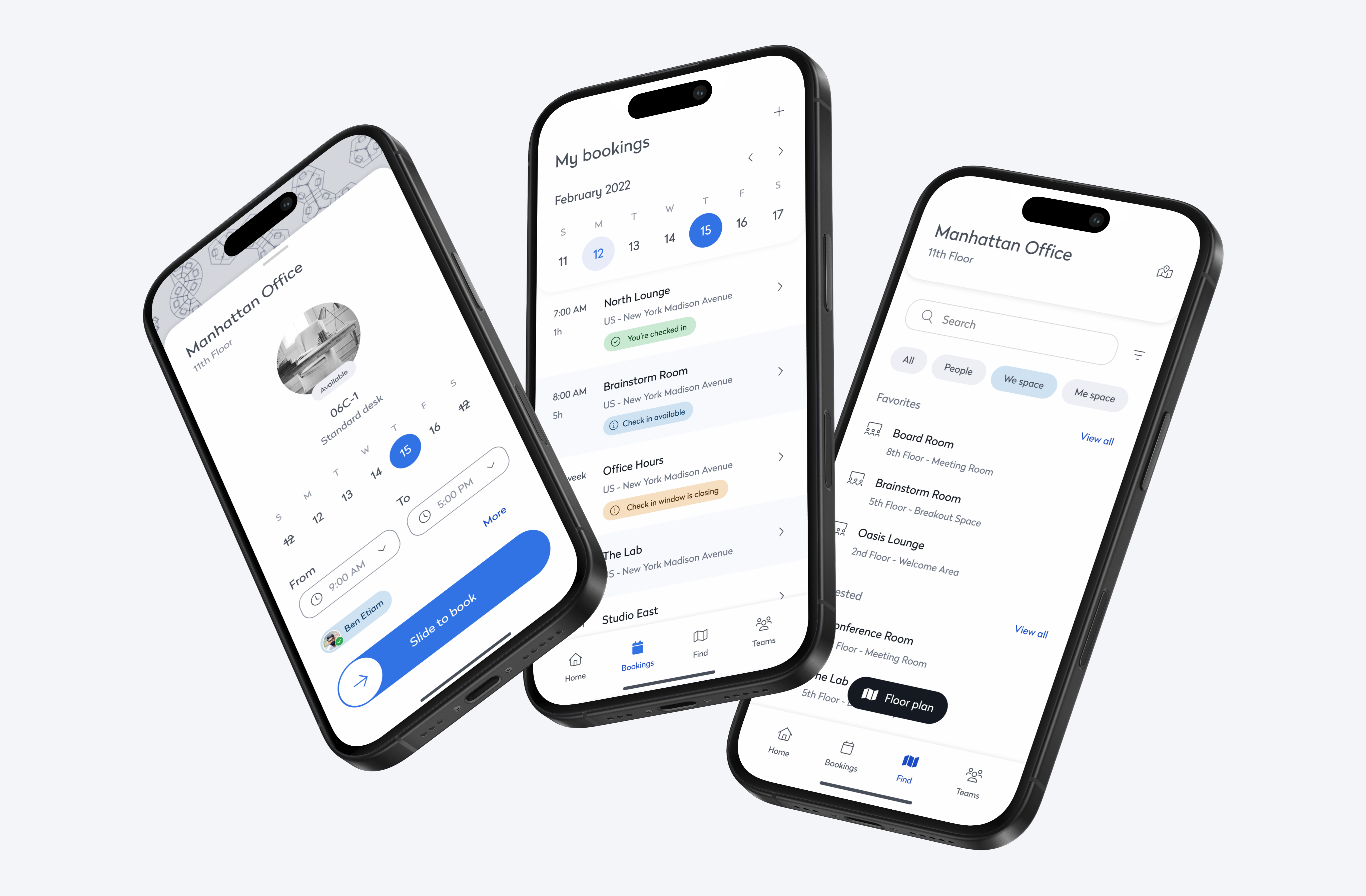
We helped hybrid teams book workspaces, plan in-office days, and navigate shared spaces with ease—turning a clunky experience into a seamless one.
Overview
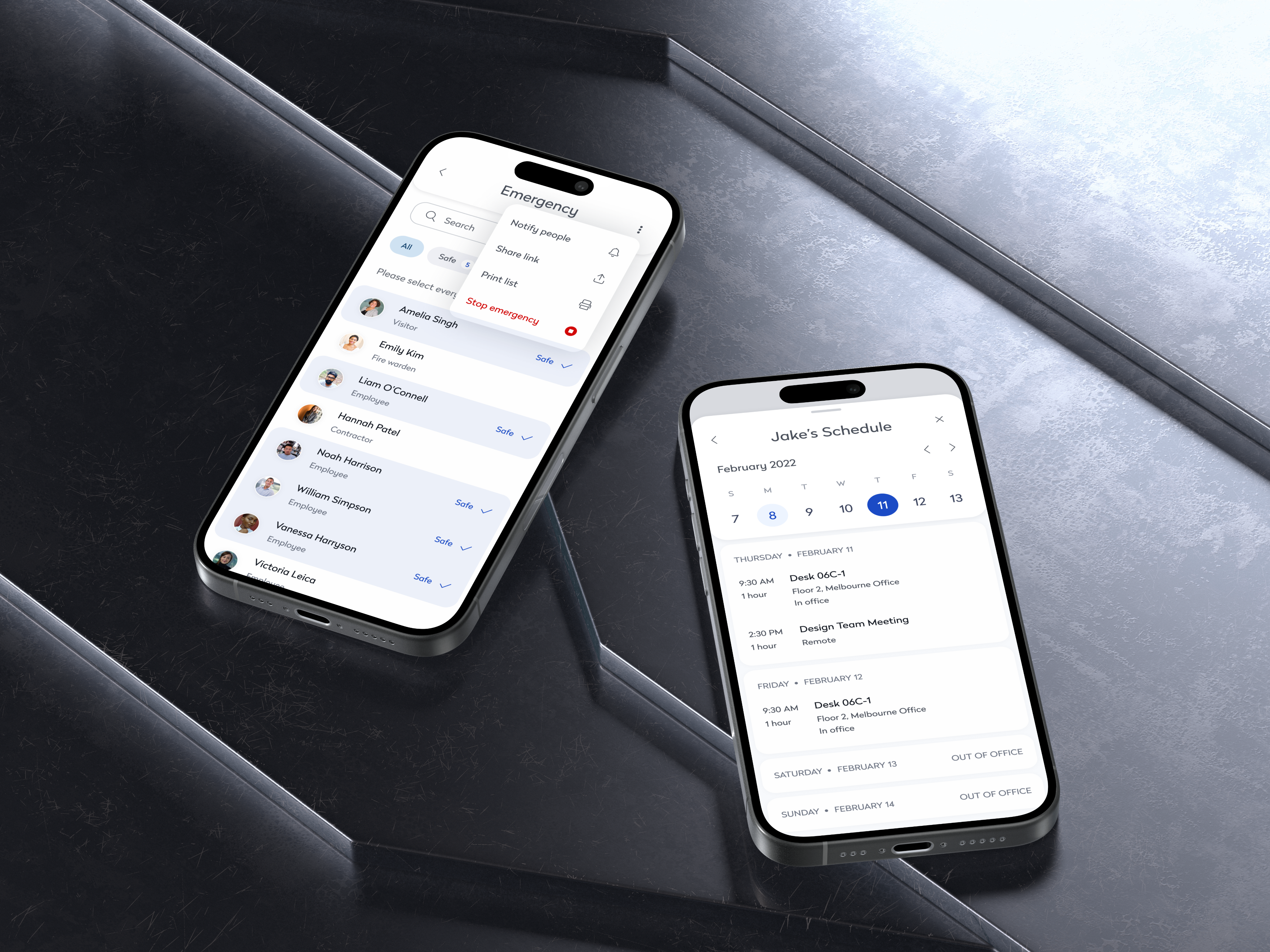
The redesign focused on optimizing the user experience by addressing challenges in scheduling, workspace booking, and navigation. Refining core features and improving usability created a more intuitive and efficient experience—helping employees navigate their workdays seamlessly and enabling administrators to manage spaces with ease.
Workplace Engage

Problem
Booking Bottlenecked Hybrid Teams
No Visual Planning
Employees struggled to understand office layouts or availability, making visit planning inefficient and frustrating.
Manual, Multi-Step Booking
Reserving a space took too many steps—costing time and reducing adoption. This added friction and reduced app adoption.
No Team Visibility
Employees couldn’t easily coordinate with teammates or book together—hurting collaboration and engagement.
Solution
A Workspace Experience Built for Hybrid Speed and Flexibility
Smart Floor Plans & Quick Booking
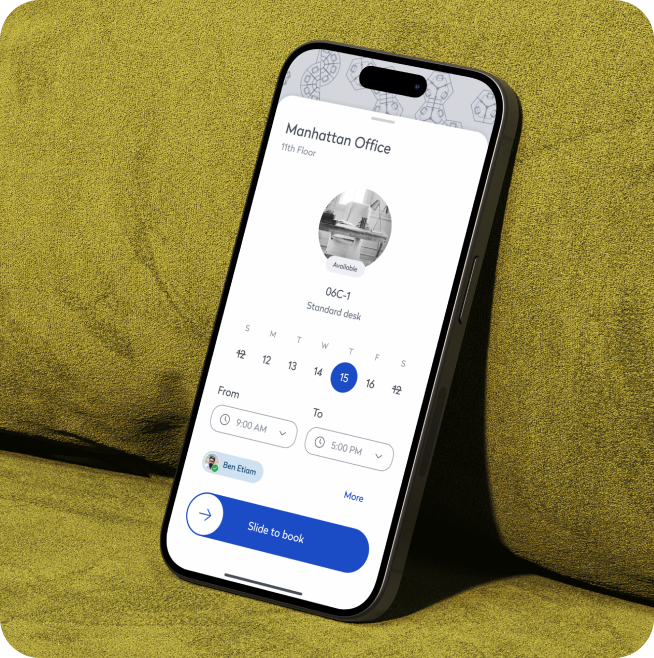
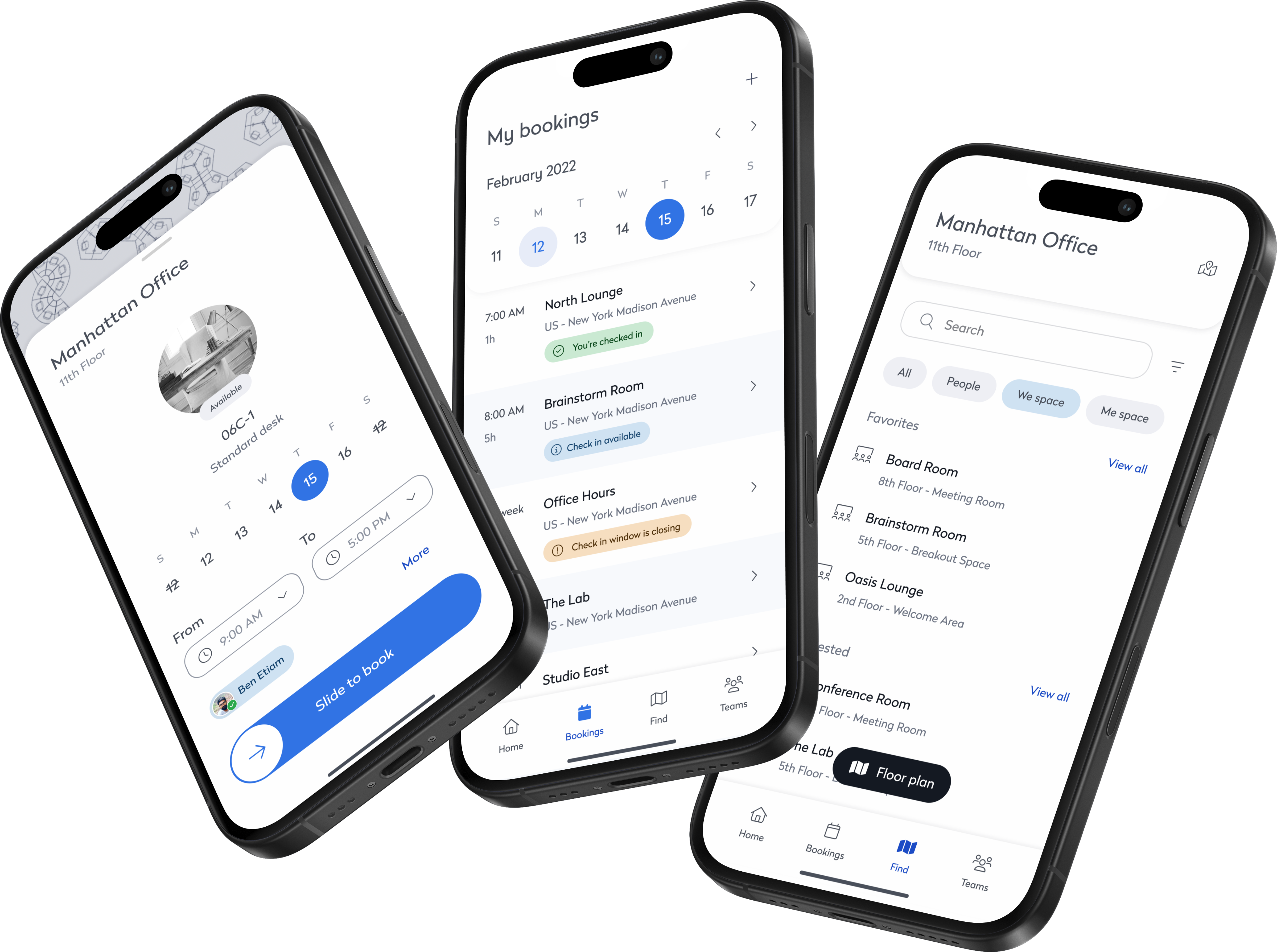
We combined spatial awareness and speed into a seamless experience by introducing interactive floor plans with a built-in “Quick Book” feature. Employees could explore a real-time office map to identify available desks, meeting rooms, and teammate locations—making it easier to plan their day with clarity and confidence. With the ability to reserve a space directly from the floorplan, booking became a matter of seconds. This integration eliminated friction from the process and turned workspace planning into a smooth, intuitive experience.
Smarter Workspace Filtering
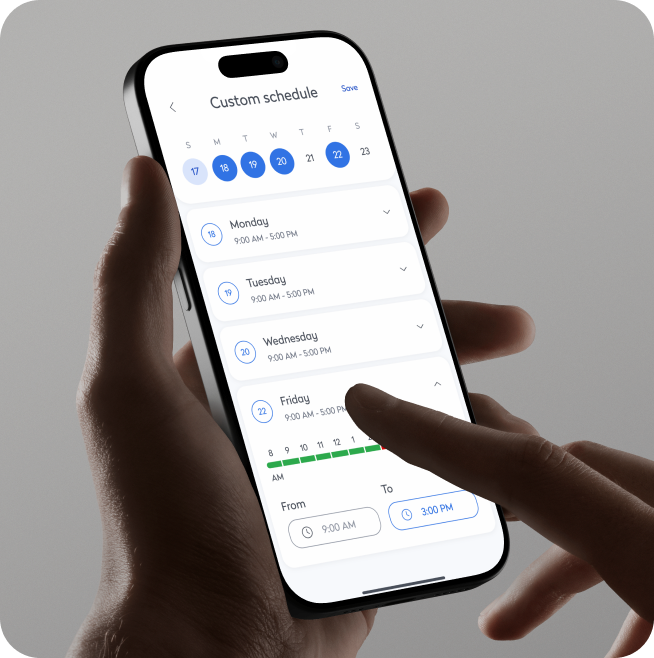
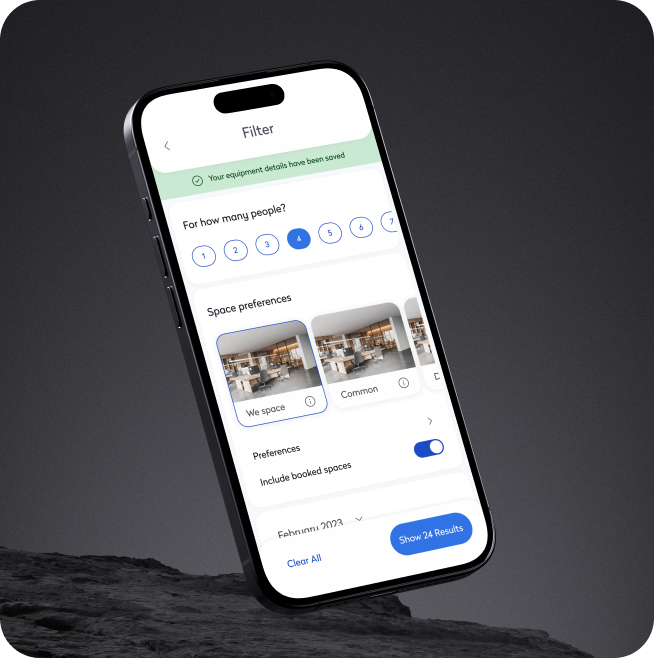
To help users quickly find the right space for their needs, we implemented advanced filtering options across all booking interfaces. Users could filter desks and rooms by capacity, amenities, location, and availability, tailoring their workspace selection to fit their specific requirements. Whether booking a quiet spot for focused work or a tech-enabled room for a client meeting, employees could now search with confidence and precision. This level of customization not only elevated the booking experience but also ensured that every workspace felt right for the task at hand.
Team Booking to Enable Collaboration
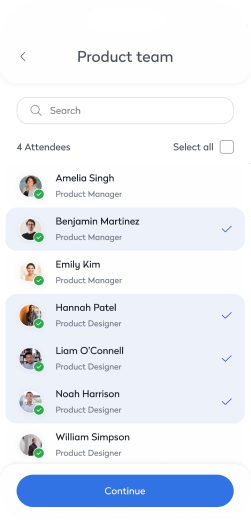
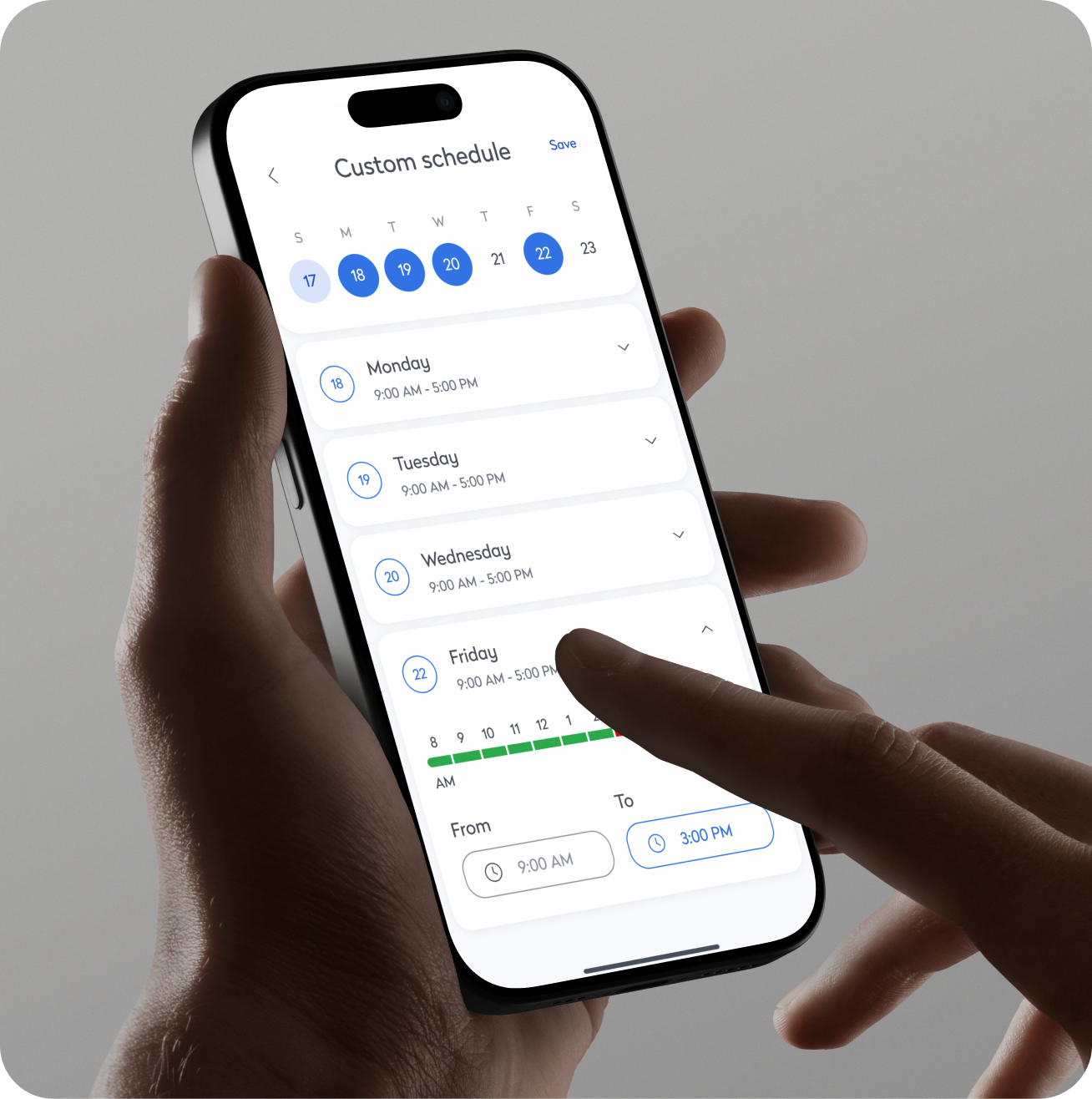
Recognizing the collaborative nature of in-office days, we built a feature that allowed users to book multiple desks or rooms for team use. Employees could plan group workdays by reserving nearby seating or shared spaces, making it easier to coordinate with colleagues. The feature also included preferences for proximity and availability, helping teams stay connected without compromising on workspace needs. This functionality became a key driver in encouraging purposeful office visits and nurturing a stronger sense of team presence.
Exploratory Way-finding with AR Navigation
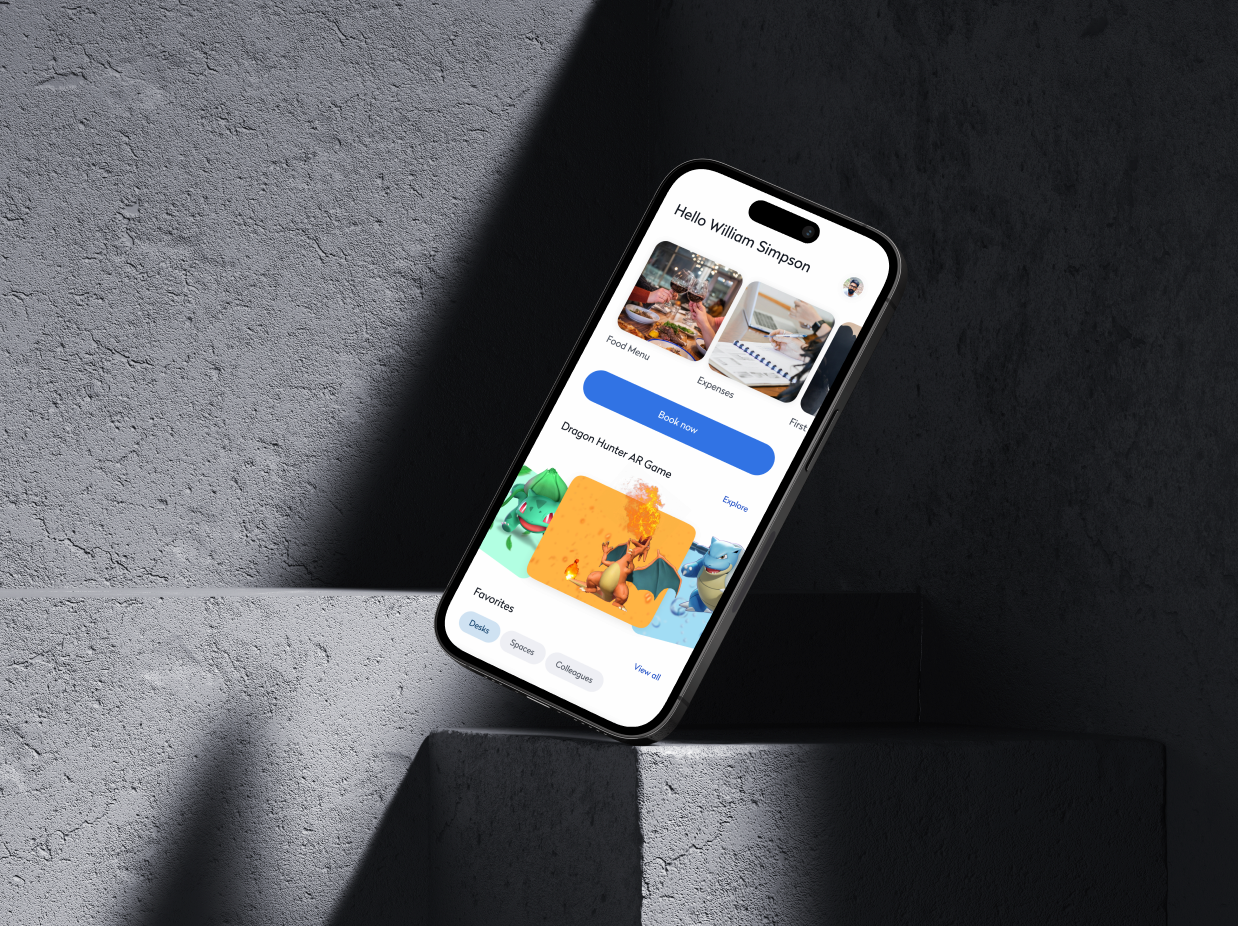
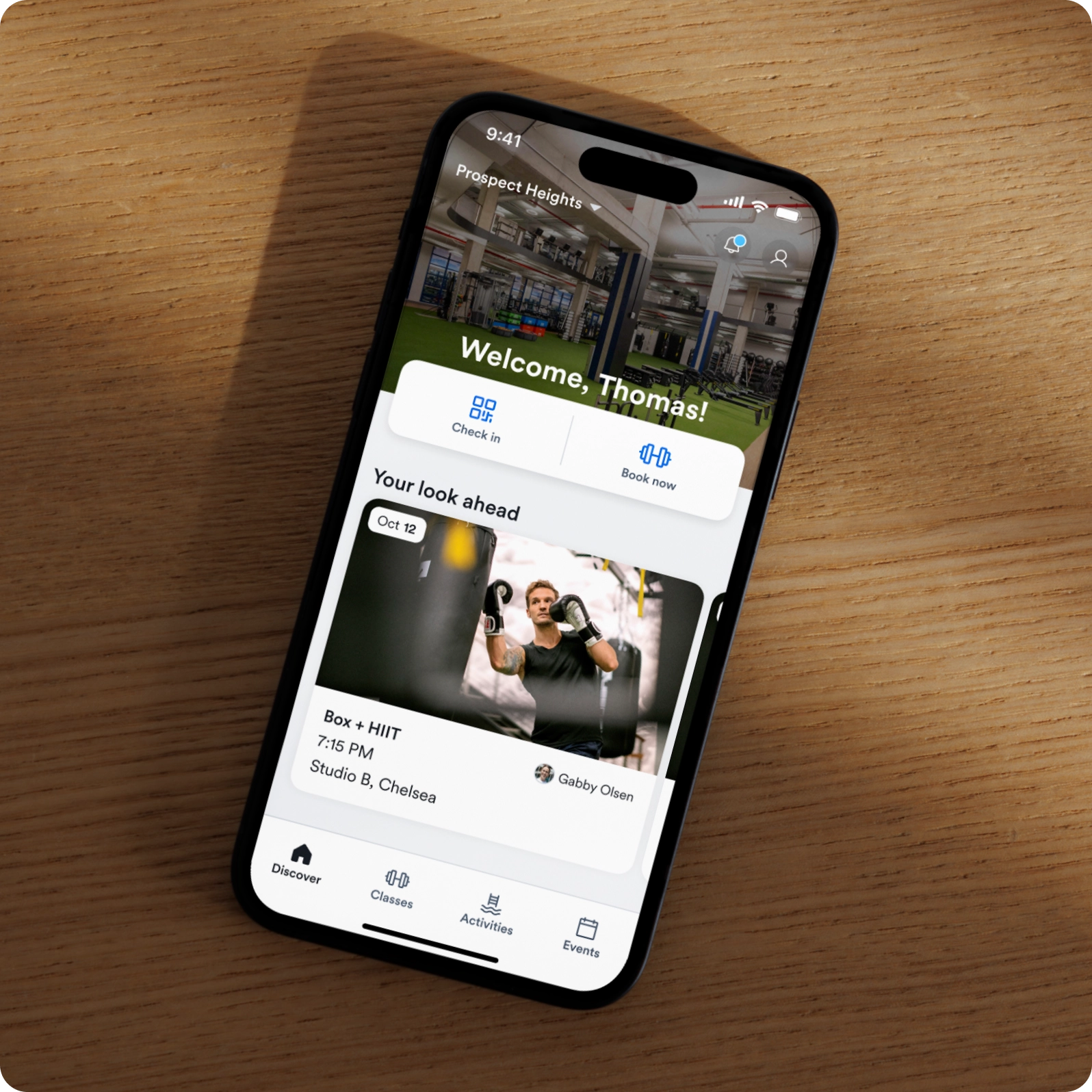
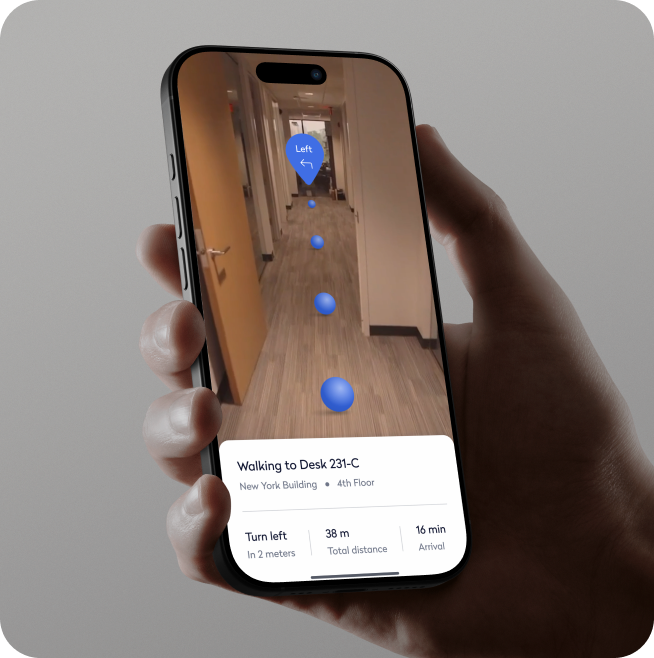
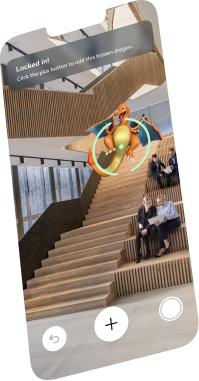
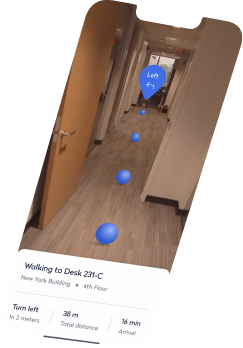
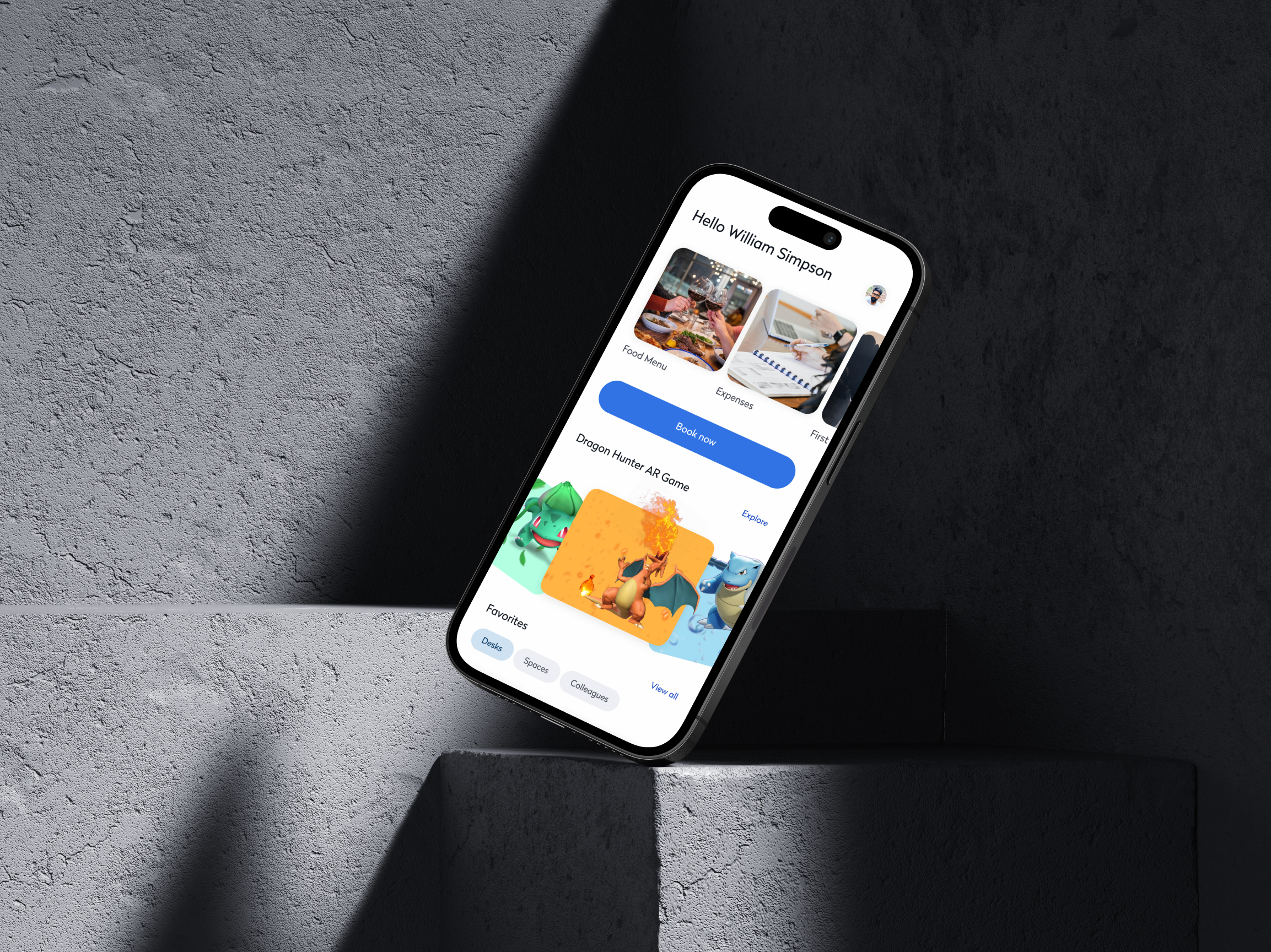
To reimagine in-office navigation, we launched an exploratory project called Architectural Navigator—a mobile AR experience that let users explore complex office layouts through an immersive, intuitive interface. It eliminated common way-finding frustrations by overlaying real-time guidance on physical spaces. We also piloted a gamified version—Dragon Hunt—an AR team challenge that turned navigation into a collaborative experience, blending utility with playful engagement to enhance team connection and familiarity with the office.
Research
Testing for Clarity and Retention
Design Grounded in Employee Behavior
Before launching the new booking and scheduling features, we conducted moderated usability tests with hybrid employees across various departments and experience levels. Our goal was to ensure users could not only complete key tasks with ease—but also retain how to use the system after a single interaction, without requiring repeated guidance.
Comprehension That Stuck
Users scored over 90% in task comprehension and memory retention across core workflows—like desk booking, team scheduling, and navigation—even after a delay. This showed the interface was not just intuitive on first use, but also easy to remember and reuse throughout the week.
82%+ Retention
Users remembered how to use booking, filtering, and scheduling tools even after time away.
94% Task Success
Participants completed core workflows with minimal friction and little to no guidance.
High First-Try Success
Users felt confident planning office days independently, without help or repeat walkthroughs.
Outcome
Improved Engagement
The introduction of interactive floorplans, quick booking, and advanced filtering features significantly boosted app usage, engaging users more effectively.
Enhanced Collaboration
Team booking and collaboration features promoted teamwork and streamlined in-office work, strengthening employee connections.
Streamlined Booking
The "Quick Book" feature reduced the time needed to reserve a workspace, improving user satisfaction and ensuring more efficient use of office resources.




Modernizing Hybrid Work for Speed and Collaboration
Background
We helped hybrid teams book workspaces, plan in-office days, and navigate shared spaces with ease—turning a clunky experience into a seamless one.
Overview
The redesign focused on optimizing the user experience by addressing challenges in scheduling, workspace booking, and navigation. Refining core features and improving usability created a more intuitive and efficient experience—helping employees navigate their workdays seamlessly and enabling administrators to manage spaces with ease.
Workplace Booking

Problem
Booking Bottlenecked Hybrid Teams
No Visual Planning
Employees struggled to understand office layouts or availability, making visit planning inefficient and frustrating.
Manual, Multi-Step Booking
Reserving a space took too many steps—costing time and reducing adoption. This added friction and reduced app adoption.
No Team Visibility
Employees couldn’t easily coordinate with teammates or book together—hurting collaboration and engagement.
Solution
A Workspace Experience Built for Hybrid Speed and Flexibility
Smart Floor Plans & Quick Booking
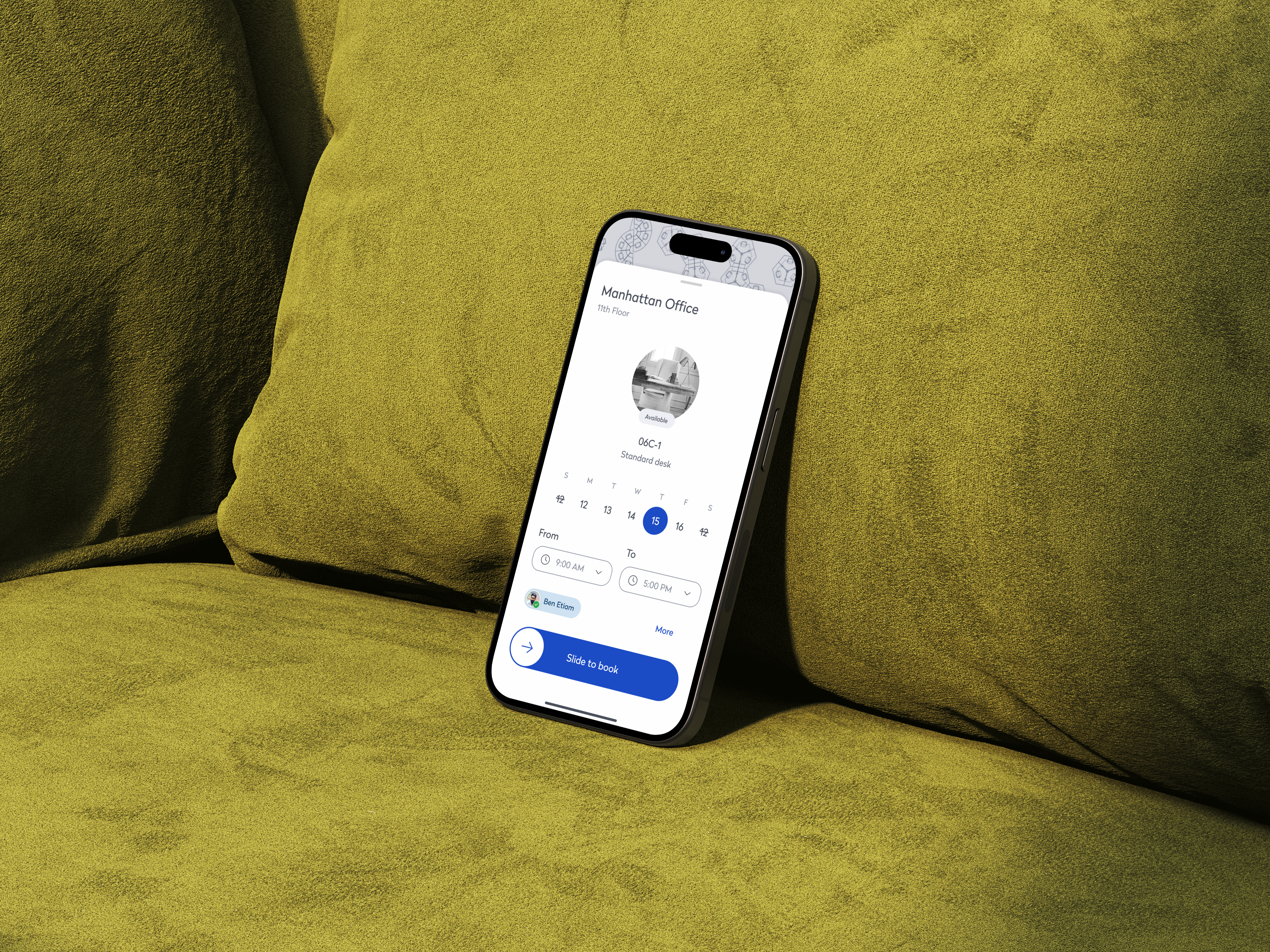
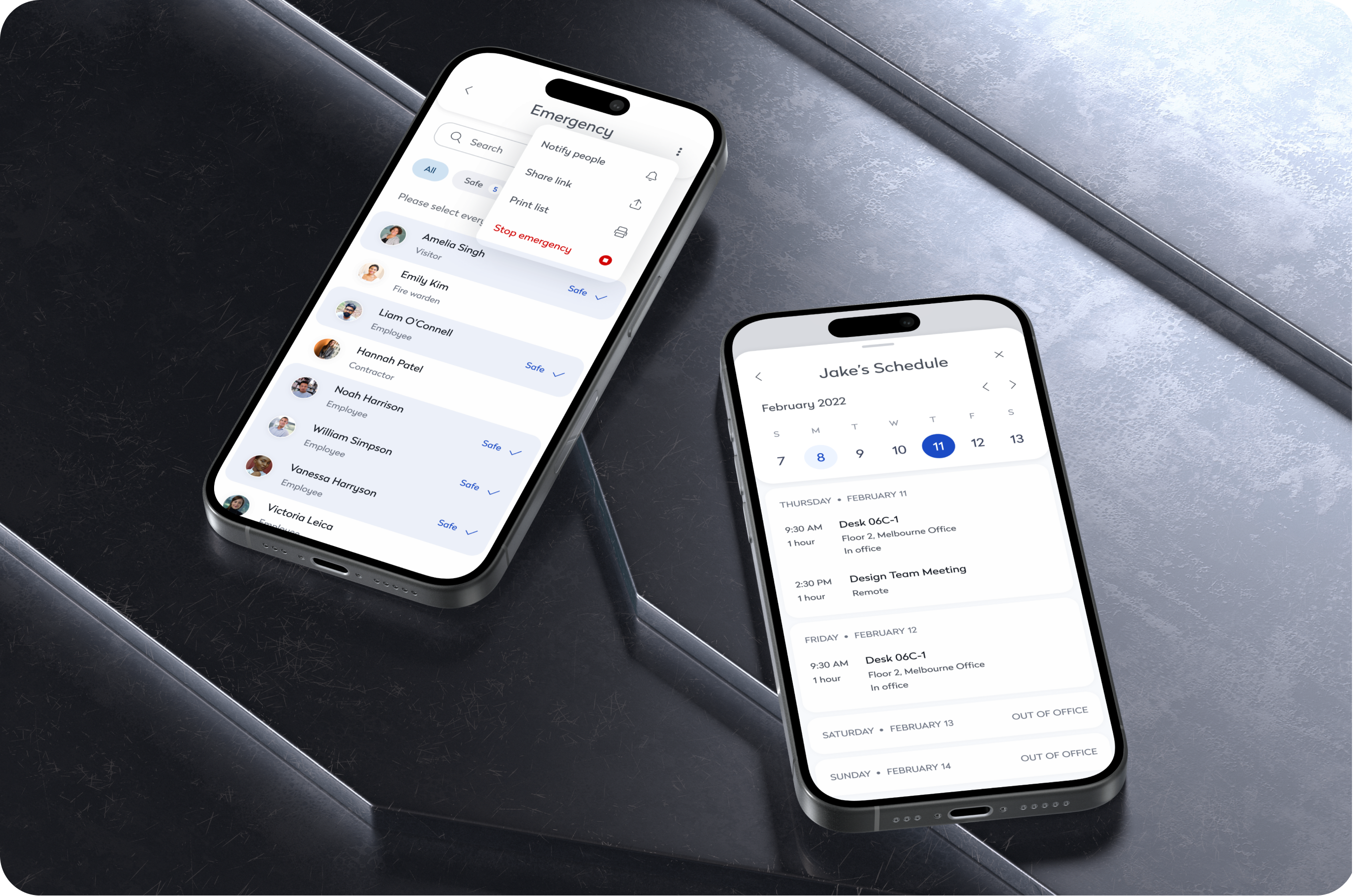
We combined spatial awareness and speed into a seamless experience by introducing interactive floor plans with a built-in “Quick Book” feature. Employees could explore a real-time office map to identify available desks, meeting rooms, and teammate locations—making it easier to plan their day with clarity and confidence. With the ability to reserve a space directly from the floorplan, booking became a matter of seconds. This integration eliminated friction from the process and turned workspace planning into a smooth, intuitive experience.
Smarter Workspace Filtering
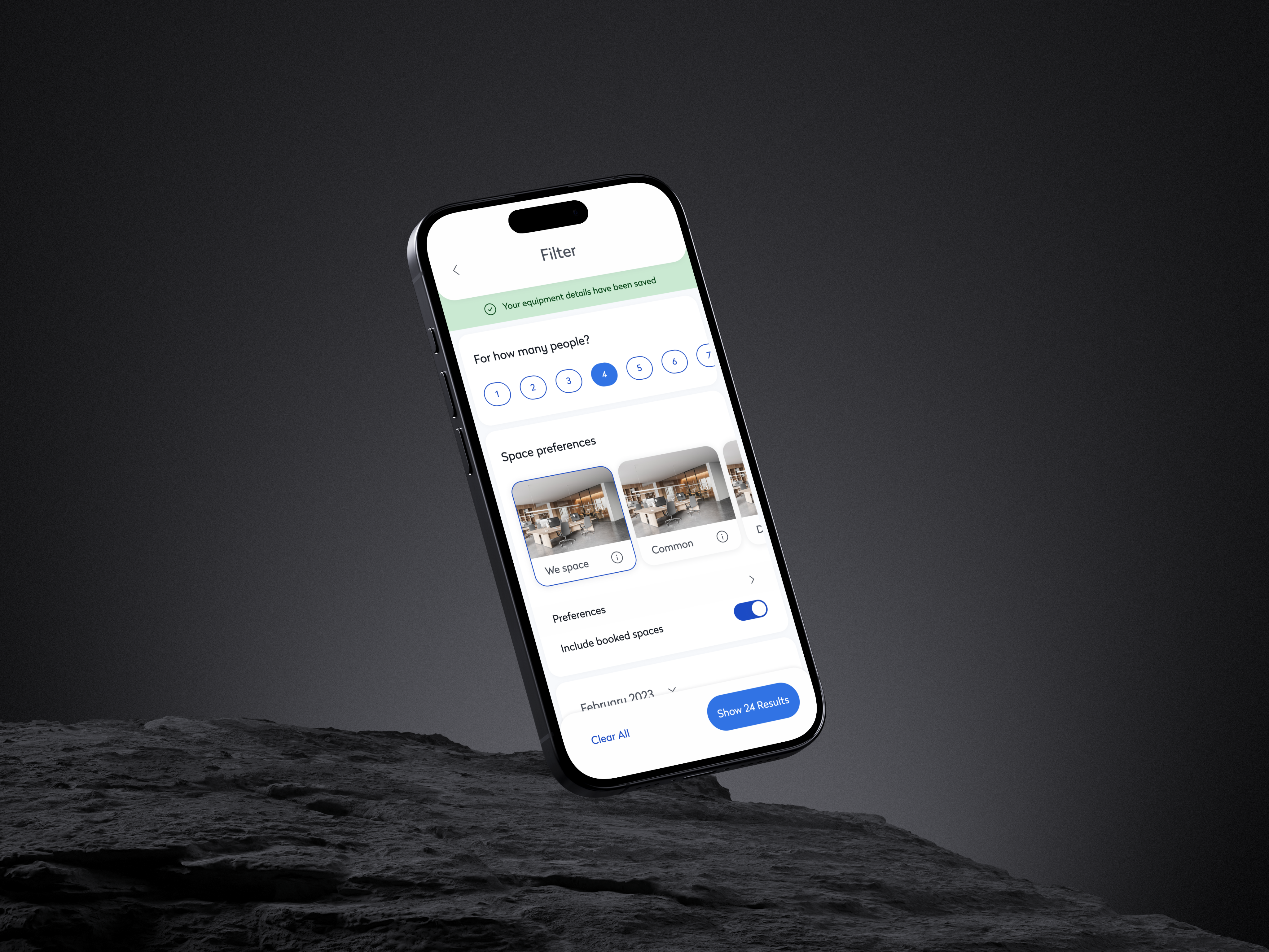
To help users quickly find the right space for their needs, we implemented advanced filtering options across all booking interfaces. Users could filter desks and rooms by capacity, amenities, location, and availability, tailoring their workspace selection to fit their specific requirements. Whether booking a quiet spot for focused work or a tech-enabled room for a client meeting, employees could now search with confidence and precision. This level of customization not only elevated the booking experience but also ensured that every workspace felt right for the task at hand.
Team Booking to Enable Collaboration
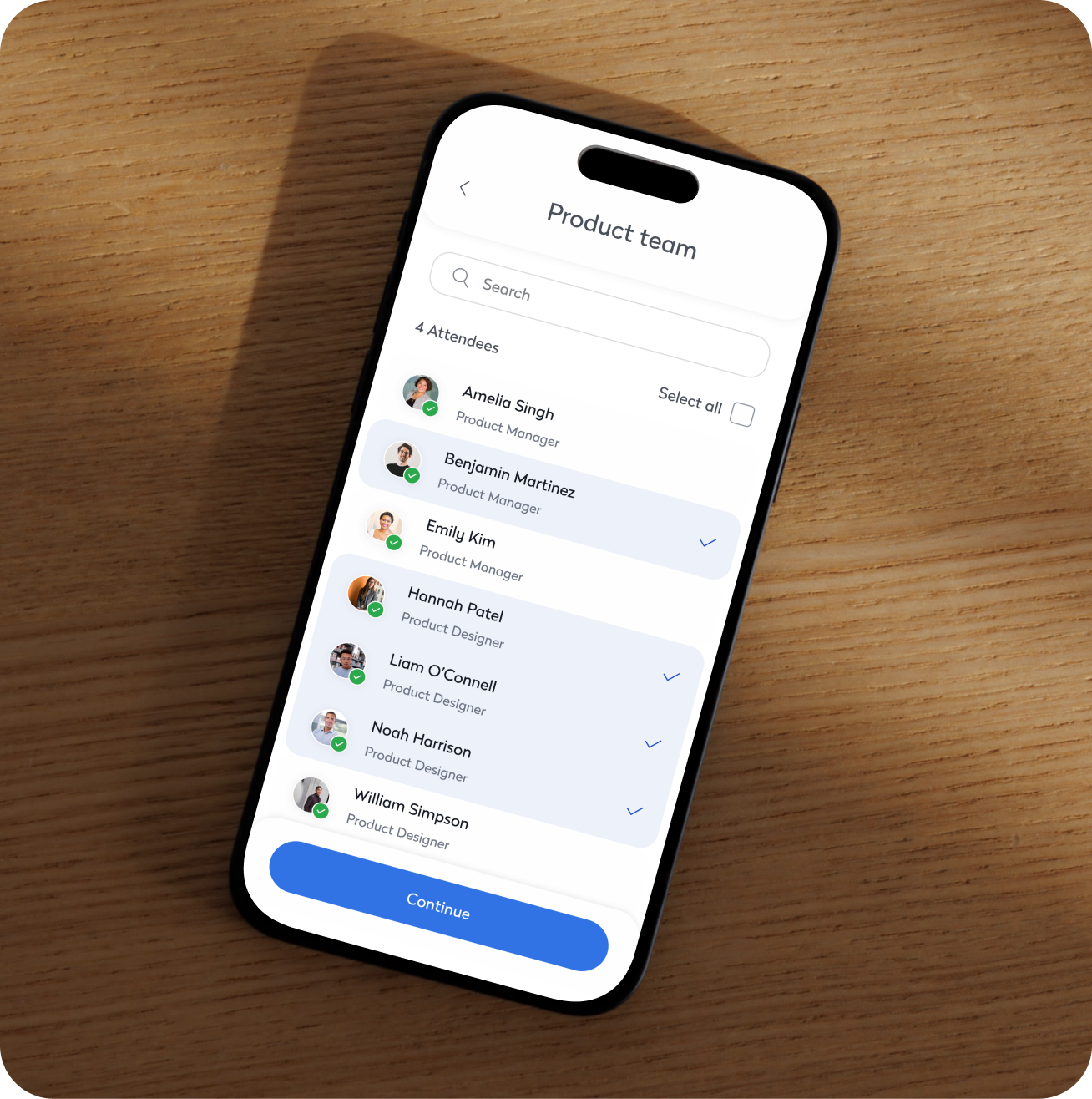
Recognizing the collaborative nature of in-office days, we built a feature that allowed users to book multiple desks or rooms for team use. Employees could plan group workdays by reserving nearby seating or shared spaces, making it easier to coordinate with colleagues. The feature also included preferences for proximity and availability, helping teams stay connected without compromising on workspace needs. This functionality became a key driver in encouraging purposeful office visits and nurturing a stronger sense of team presence.
Exploratory Way-finding with AR Navigation
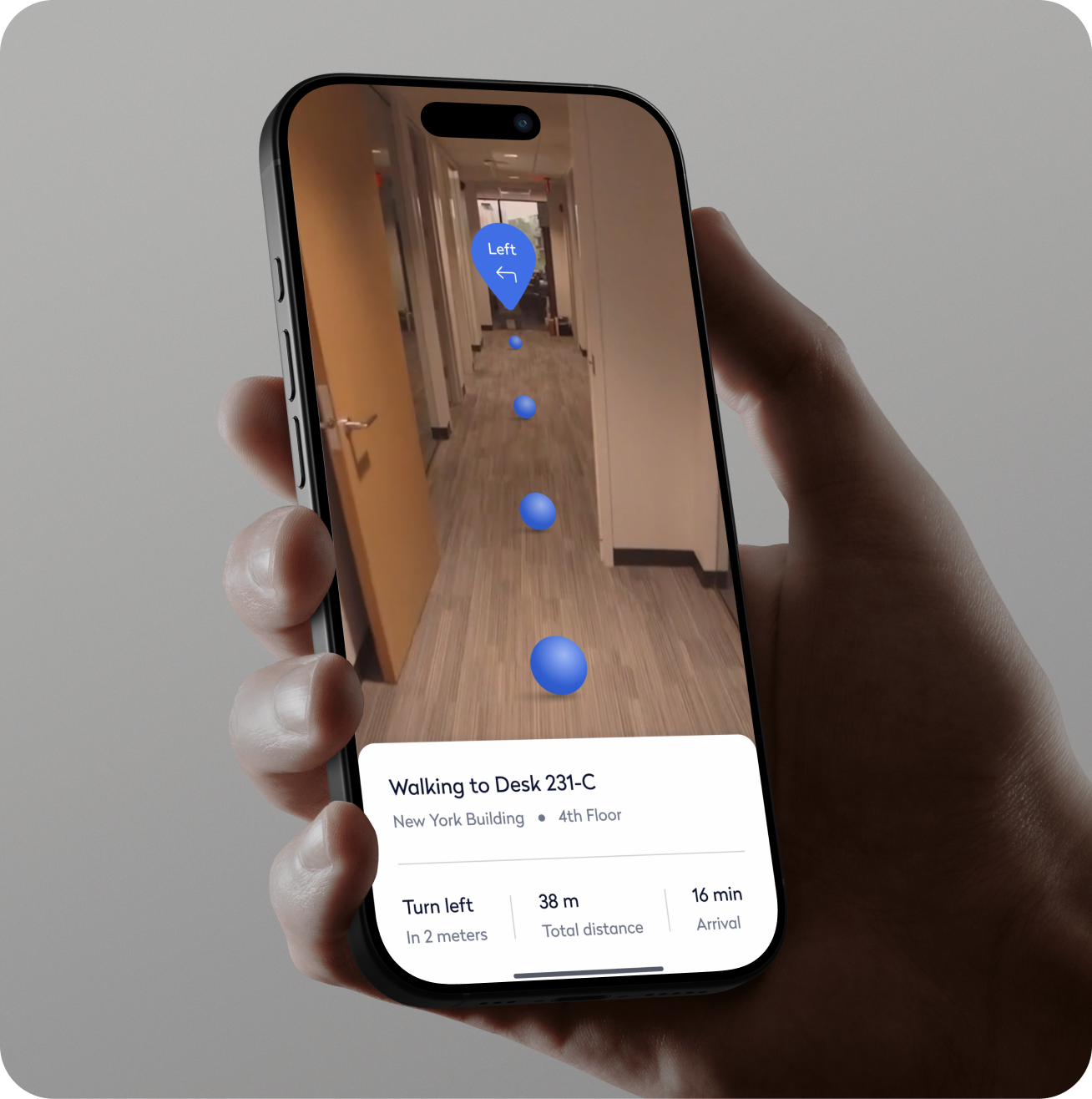
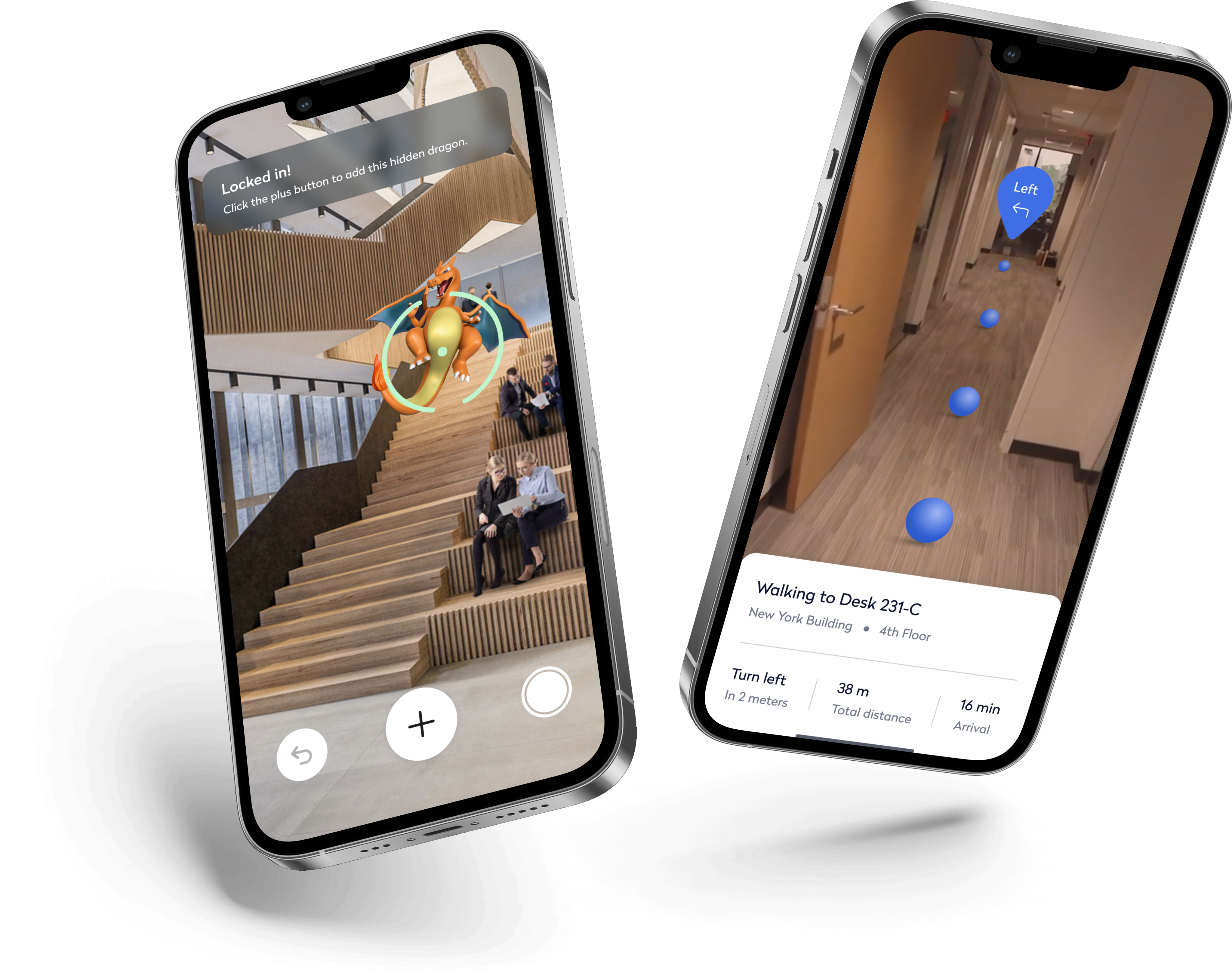
To reimagine in-office navigation, we launched an exploratory project called Architectural Navigator—a mobile AR experience that let users explore complex office layouts through an immersive, intuitive interface. It eliminated common way-finding frustrations by overlaying real-time guidance on physical spaces. We also piloted a gamified version—Dragon Hunt—an AR team challenge that turned navigation into a collaborative experience, blending utility with playful engagement to enhance team connection and familiarity with the office.
Research
Testing for Clarity and Retention
82%+ Retention
Users remembered how to use booking, filtering, and scheduling tools even after time away.
94% Task Success
Participants completed core workflows with minimal friction and little to no guidance.
High First-Try Success
Users felt confident planning office days independently, without help or repeat walkthroughs.
Design Grounded in Employee Behavior
Before launching the new booking and scheduling features, we conducted moderated usability tests with hybrid employees across various departments and experience levels. Our goal was to ensure users could not only complete key tasks with ease—but also retain how to use the system after a single interaction, without requiring repeated guidance.
Comprehension That Stuck
Users scored over 90% in task comprehension and memory retention across core workflows—like desk booking, team scheduling, and navigation—even after a delay. This showed the interface was not just intuitive on first use, but also easy to remember and reuse throughout the week.
Outcome
Smarter workspace solutions
Improved Engagement
The introduction of interactive floorplans, quick booking, and advanced filtering features significantly boosted app usage, engaging users more effectively.
Enhanced Collaboration
Team booking and collaboration features promoted teamwork and streamlined in-office work, strengthening employee connections.
Streamlined Booking
The "Quick Book" feature reduced the time needed to reserve a workspace, improving user satisfaction and ensuring more efficient use of office resources.
Explore more work
AI Technician Copilot
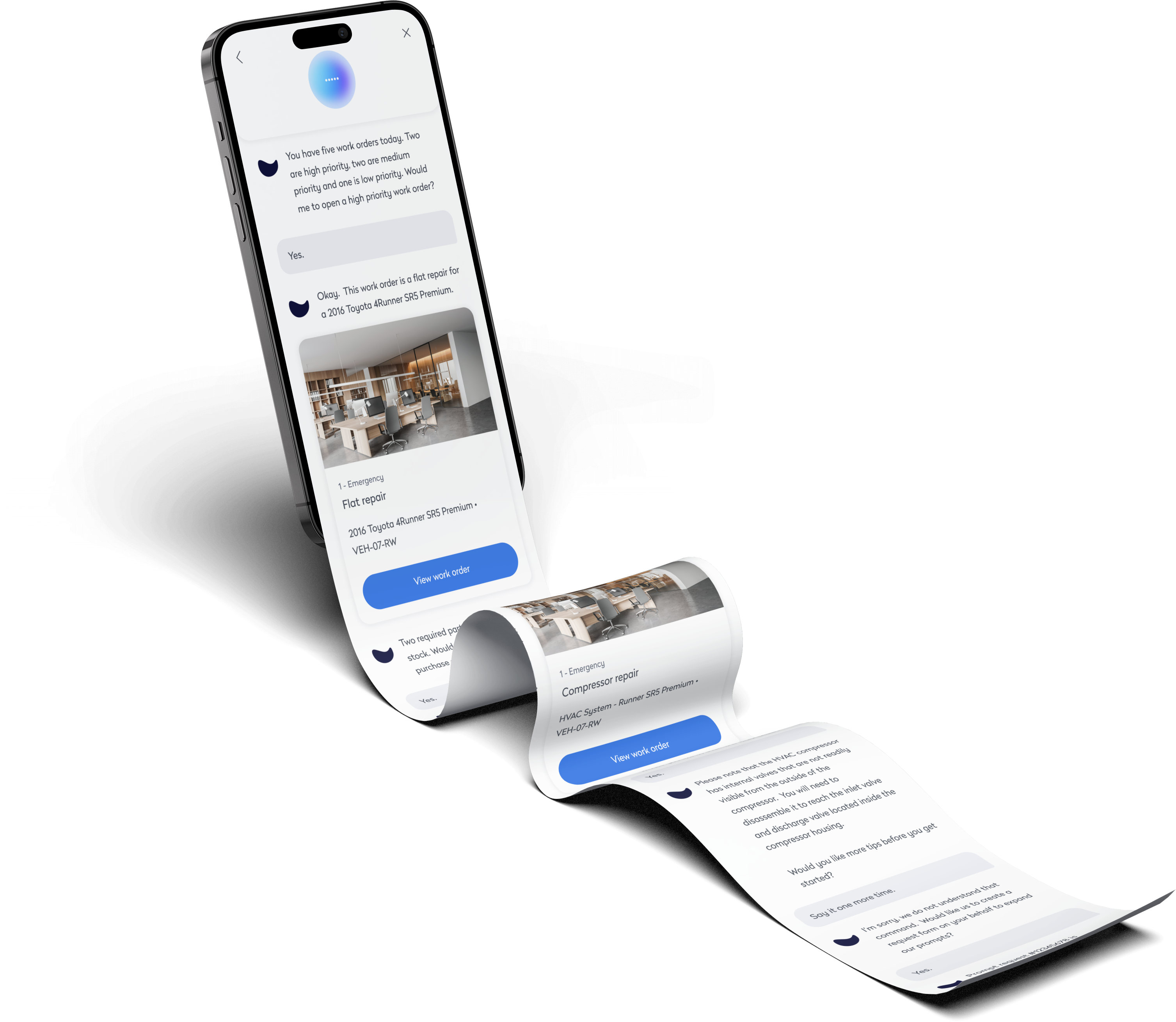
Voice-first UI for technicians to complete tasks hands-free. Fast, intuitive, and built for the field.
Pay at Table
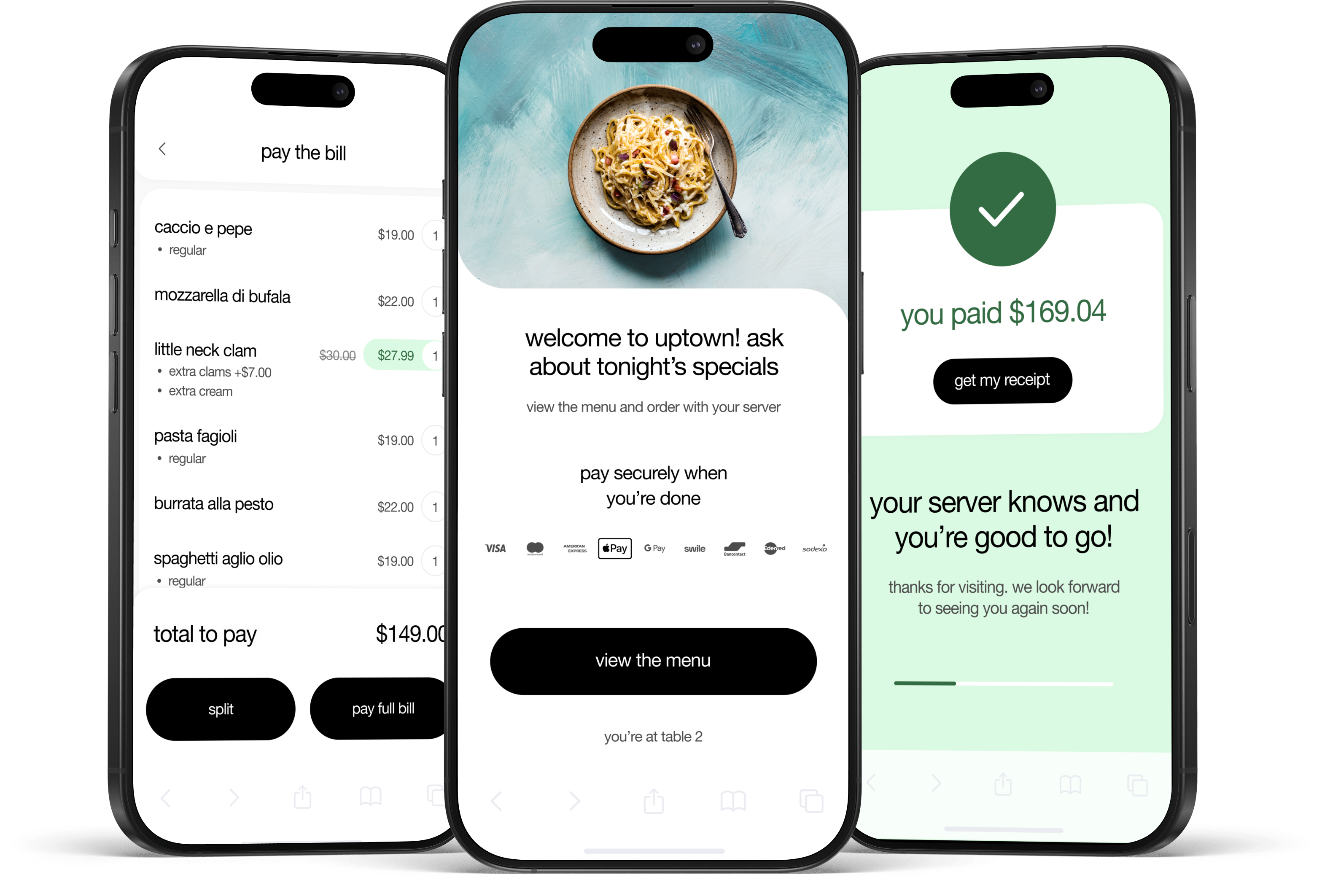
Streamlined restaurant checkout with a tap-to-pay flow. Faster payments, higher tips, happier guests.

